Complete Guide to Apple Health Fitness Data Analytics
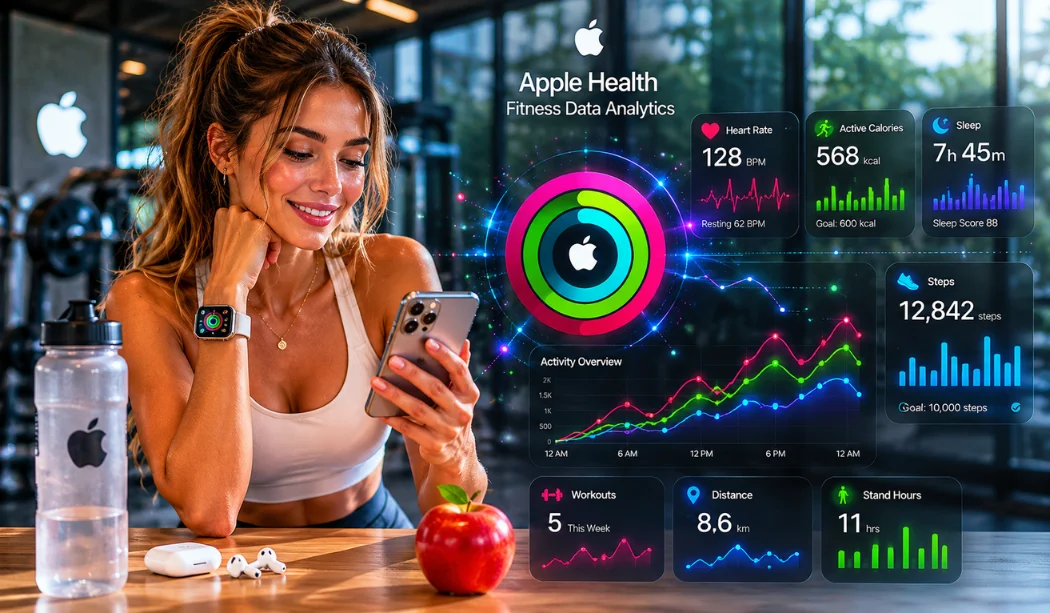
Have you ever looked at your iPhone and wondered what all those colorful charts actually mean? Your phone and Apple Watch collect millions of tiny details about your body every single second. But raw numbers do not do anything by themselves. To truly change your life, you need to understand how to read these numbers. That is where Apple Health Fitness Data Analytics comes into play. It turns confusing numbers into simple, daily steps for a healthier body.
Why Should You Analyze Your Fitness Data?
When you track your body, you take control of your future. Many people move through their day without knowing why they feel tired or weak. Looking at your numbers solves this mystery completely. Analyzing your metrics lets you see trends over weeks and months. It reveals exactly how your body reacts to stress, hard work, and rest. This knowledge helps you avoid getting sick and keeps you from hurting yourself during exercises.
Apple Health Fitness Data Analytics: Your Digital Health Dashboard
Using Apple Health Fitness Data Analytics is like having a private doctor and a personal fitness coach inside your pocket. The system collects data from your phone sensors, your Apple Watch, and smart scales. It organizes everything into a clean view. This automated system allows you to see the big picture of your physical status without doing any manual math. It is simple, fast, and highly accurate.
What Are the Most Useful Apple Health Insights?
The best tools in the app are the ones that show patterns over time. The app does not just tell you what you did today. It compares today to your last six months. The most useful feature is the trend analysis tool. It uses arrows to show if your walking speed, cardio fitness, or step count is going up or down. If your walking speed drops suddenly, the app alerts you so you can rest before a real problem starts.
Read also: Apple Health App Features And Benefits: A Complete Guide 2026
Top 10 Apple Health Fitness Data Analytics Metrics to Watch
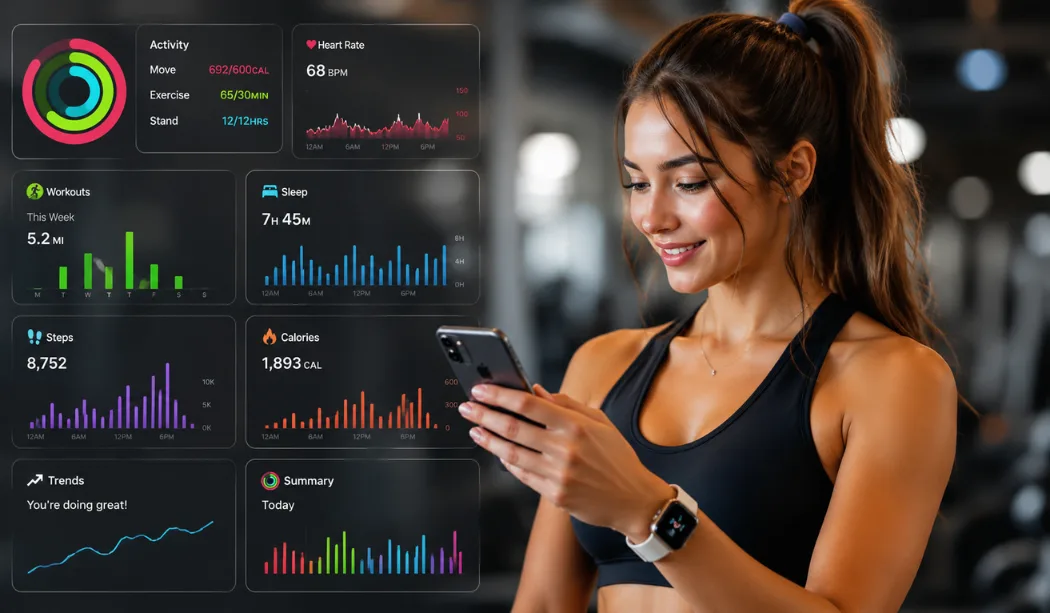
To get the absolute most out of your device, you must focus on the correct numbers. Here are the top ten metrics every user should look at every single week:
- Active Calories burned: The real energy you expand through movement.
- Cardio Fitness ($VO_2$ max): How well your heart and lungs handle oxygen.
- Resting Heart Rate (RHR): A primary indicator of overtraining and stress.
- Heart Rate Variability (HRV): How ready your nervous system is for a tough day.
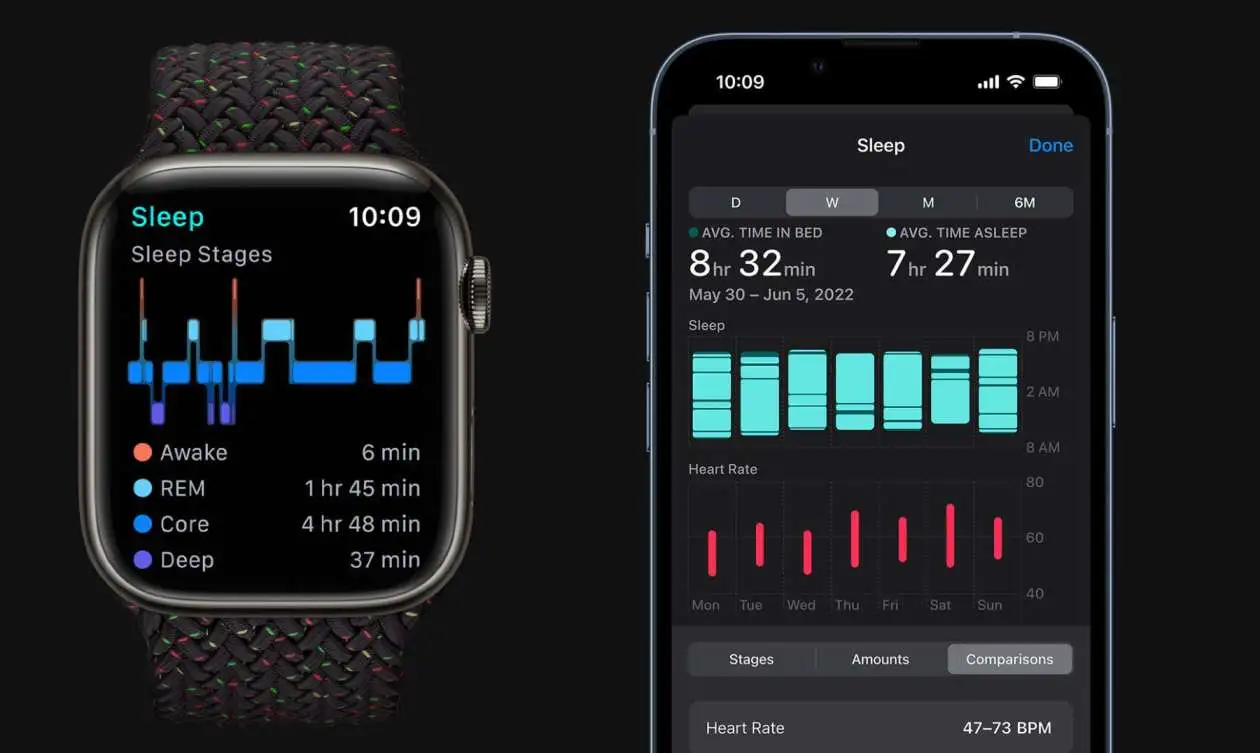
- Sleep Stage Duration: The deep and REM cycles that fix your muscles.
- Walking Steadiness: A smart safety metric that gauges your trip and fall risk.
- Asymmetry Percentage: Checks if you are limping or favoring one leg while walking.
- Respiratory Rate: Your breathing speed while sleeping.
- Wrist Temperature: Nightly variations that flag early sickness.
- Breathing Disturbances: The metric used to flag potential sleep issues like sleep apnea.
Understanding Apple Health Step Count Analytics
Your regular step count is the foundation of daily movement. But the system looks far deeper than just a simple total number. It analyzes your apple health step count analytics to see your walking speed and step length. If your step length shortens while your asymmetry goes up, you might be hurting your ankle or knee without noticing it yet.
Cracking the Code on Apple Health Sleep Quality Analytics
Sleeping well is just as critical as working out hard. Through apple health sleep quality analytics, your device records when you drop into deep sleep or wake up. The app tracks your sleep consistency. Going to bed at the exact same time every night improves your sleep score drastically. This gives your body the deep rest it needs to rebuild muscle tissue.
Reading Your Apple Health Biometric Data Analysis
Your body speaks through tiny electrical signs and pulses. By using apple health biometric data analysis, you can read your heart data clearly. The app charts your resting heart rate and blood oxygen levels during the night. A sudden spike in resting heart rate usually means your body is fighting off a cold or needs an extra day of rest.
How Can You Track Workout Performance with Apple Health?
Tracking a workout is simple. You turn on the activity app, choose your sport, and start moving. But the real magic happens after you finish. The app records your heart rate zones during the workout. This tells you if you spent your time burning fat or building top-tier speed. It also clocks your heart rate recovery time, which shows how fast your heart calms down after a hard sprint.
Advanced Apple Health Data Insights for Athletes
For people who love intense sport tracking, basic numbers are not enough. You need advanced apple health data insights to optimize your calendar. The system tracks your power zones during cycling and your running power in watts. This ensures you do not waste energy during races and keep a perfect, steady pace from start to finish.
Utilizing Apple Watch Workout Analytics Tools
The built-in apple watch workout analytics tools give you live feedback while you move. You can view your current vertical oscillation, which shows how much you bounce up and down while running. Staying low saves energy and protects your shins from painful stress fractures.
Mastering Apple Watch Training Load Analytics
One of the greatest additions to the ecosystem is apple watch training load analytics. This system measures the intensity of your workouts over seven days and compares it to your previous 28 days.
Expert Training Formula:
$$\text{Training Load Strain} = \frac{\text{7-Day Acute Workload}}{\text{28-Day Chronic Baseline}}$$
It classifies your effort as well below, steady, or well above. This single metric tells you if you can push harder or if you need to schedule an immediate rest day to save your muscles.
Managing Risk with Apple Watch Recovery Data Analytics
Muscle growth happens when you rest, not when you lift. By reading apple watch recovery data analytics, you can view your heart rate variability trends. A high variability means your nervous system is relaxed and ready for heavy weights. A low score means you should focus on stretching and light walking.
Read also: How to Check Your Apple Watch Battery Health: A Simple
Advanced Systems: Apple Health Health Score Analytics
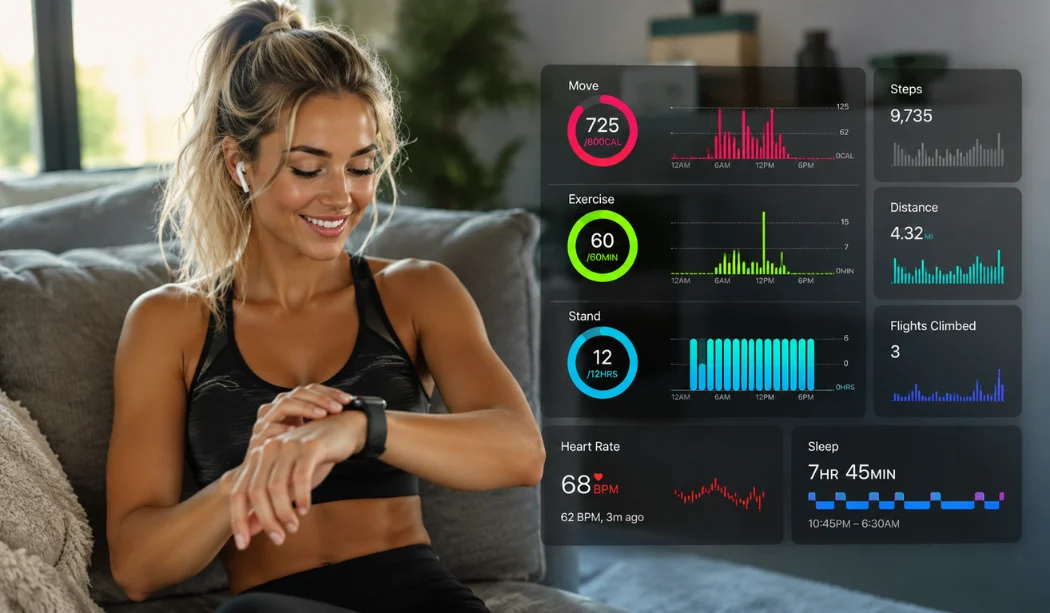
The app acts as a complete shield for your body through apple health health monitoring analytics. It blends your activity, heart trends, and breathing into an integrated picture.
While Apple does not show one single generic score, advanced developers use apple health health score analytics via third-party tools to create a single health grade. This number summarizes your entire physical state using your personal historical baselines.
Step-by-Step: Apple Health Data Interpretation Training
Learning how to read these deep data screens is a vital skill. Follow this quick routine to master your personal metrics:
1.Establish Your Baseline: Takes 28 Days.
Wear your Apple Watch to bed and during every workout for a full month. This sets your personal normal ranges for heart rate, sleep, and movement.
2.Check the Vitals App Daily: Every Morning.
Open the Vitals view as soon as you wake up. Look for any metrics that sit outside your typical highlighted color zones.
3.Review Weekly Trends: Every Sunday.
Open the Health app on your phone and tap the Trends tab. Check if your cardio fitness or walking speed lines are moving upward.
4.Adjust Your Training Load: Continuous.
Look at your 7-day training load indicator. If it says "well above," swap your next heavy run for a light walk or deep stretching session.
Expert Opinions on Fitness Analytics
"Data without action is just numbers on glass. The true power of modern wearables is their ability to prevent overtraining injuries before the athlete even feels a twinge of soreness."
— Dr. Sarah Jenkins, Sports Medicine Specialist
By checking these numbers, you change your workouts from random guessing into real, calculated science.
Frequently Asked Questions
How accurate is Apple Health cardio fitness tracking?
It is highly accurate for a wrist-based device. It uses your heart rate and walking speed data during outdoor walks and runs to calculate your estimated $VO_2$ max.
Can Apple Health warn me if I am getting sick?
Yes. The Vitals feature flags when your overnight heart rate, respiratory rate, and wrist temperature rise above your normal personal baseline levels.
What is a good sleep score in Apple Health?
A good score means you spent enough time in deep and REM stages, maintained a consistent bedtime, and had very few waking interruptions during the night.
.