Top watchOS 6 Hidden Features You Need to Enable Today
The Apple Watch is a tiny computer on your wrist. Many people only use it to check time or count daily steps. But when Apple introduced watchOS 6, it packed the system with super cool tools. Knowing why should I use watchOS 6 hidden features is simple. These tricks make your watch faster, save your battery life, and protect your health without any extra effort. Learning how to unlock secret settings in watchOS 6 lets you get the most out of your smartwatch every single day. Let’s dive into the Top 10 watchOS 6 Hidden Features and see what this update can do!
What is the best hidden feature in watchOS 6?
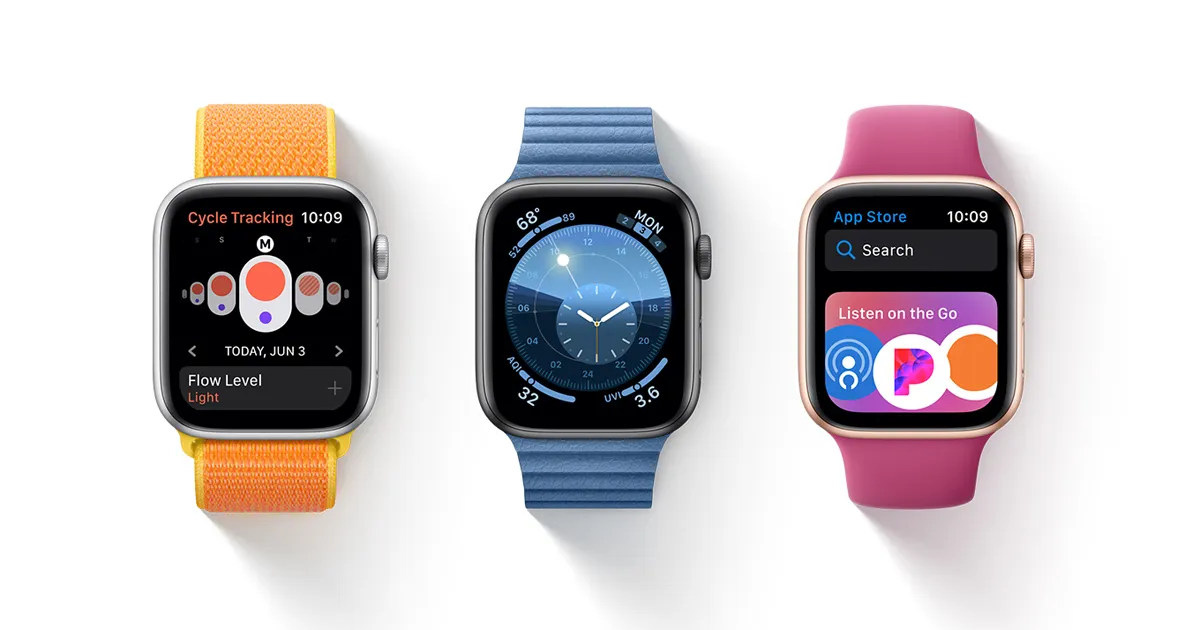
If you ask top tech experts, the best hidden features in watchOS 6 start with the built-in App Store. Before this update, you had to download watch apps using your iPhone. Now, you can search and download apps right on your wrist.
- iPhone App Store ---> Download to Phone ---> Sync to Watch (Old Way)
- On-Wrist Store ---> Direct Download to Watch (watchOS 6 Way)
Another massive upgrade is Taptic Time. It lets the watch tap silent vibrations on your wrist to tell you the time without looking at the screen. It is super useful during dark movie nights or quiet school classes!
Read Also: watchOS 6 Battery Life Optimization Tips to Stop Fast Drain
Top 10 watchOS 6 Hidden Features You Must Try

Here is the watchOS 6 complete feature list of secret tricks that every user should try today.
1. Direct App Store Downloads
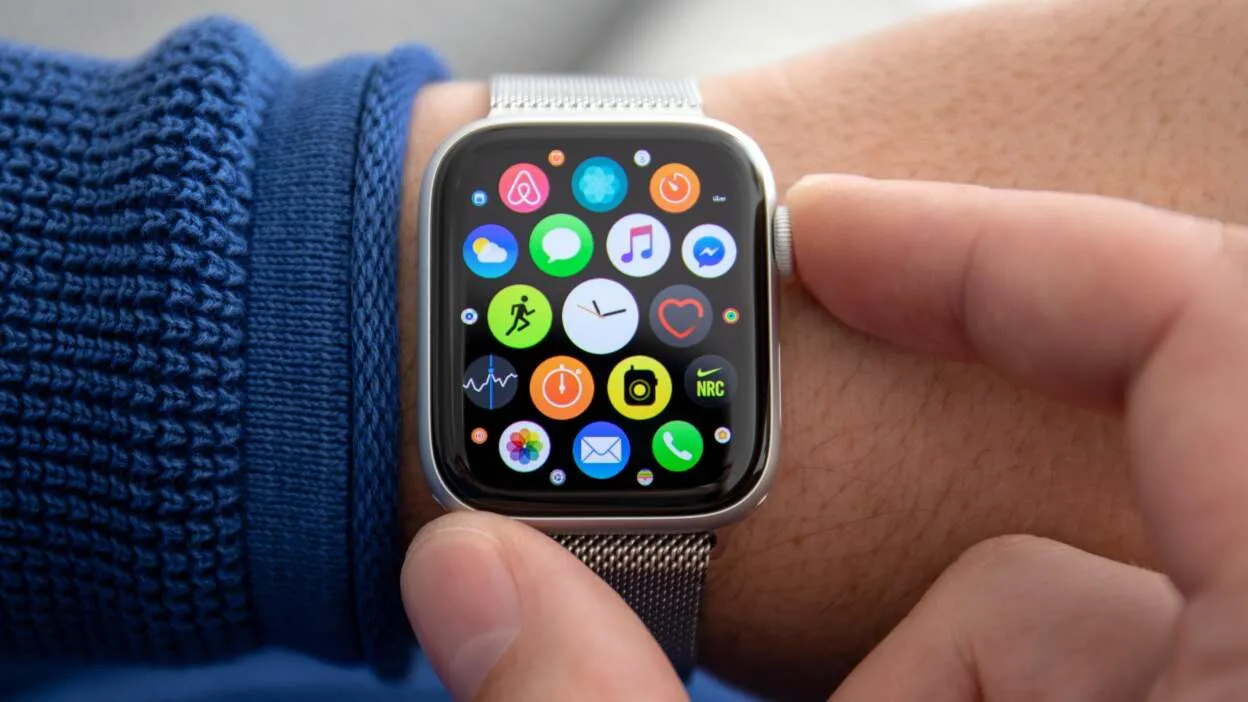
You do not need your phone nearby to get new tools. Open the App Store icon directly on your watch face grid. Search for apps using voice dictation or finger scribbling.
2. Silent Taptic Time
Turn your watch to silent mode. Press and hold two fingers on your screen. The watch will tap out the hours and minutes using soft vibration patterns.
3. Automatic Hearing Safety (Noise App)
Your watch constantly checks room noise levels. If you are at a loud concert or near heavy tools, it warns you if decibel levels can hurt your ears.
4. Built-in Voice Memos
Need to record a quick reminder? Open the Voice Memos app right on your wrist. It automatically syncs to your iPhone and Mac through iCloud.
5. Instant Song Identification
Whenever music plays around you, raise your wrist and ask Siri, "What song is this?" Powered by Shazam, it gives you the song name in seconds.
6. Built-in Calculator with Tip Splitter
The calculator app on watchOS 6 does more than basic math. Tap the Tip button to figure out restaurant tips and split bills evenly between friends.
7. Cycle Tracking App
This handy tool offers watchOS 6 hidden health features for women. It helps track daily symptoms, cycle predictions, and overall health right from your wrist.
8. Hourly Chimes & Taps
You can make your watch soft-chime like a cuckoo clock or gently vibrate every 60 minutes. It helps you keep track of time without constantly checking the clock.
9. Custom Animoji Stickers
When replying to text messages, you can send Animoji and Memoji stickers right from your wrist to add fun to chats.
10. Web Search via Siri
Ask Siri simple web questions. Instead of saying "check your phone," watchOS 6 displays short web search results directly on the watch display.
How to Customize watchOS 6 Hidden Interface Tricks
Unlocking watchOS 6 hidden interface tricks makes everyday navigation easy and quick. Here is how to tweak these watchOS 6 settings you should enable for a better experience:
- Open Settings on Watch ---> Tap Clock ---> Enable Chimes & Taptic Time
- Open Settings on Watch ---> Tap Noise ---> Set Environmental Sound Alerts
Expert Insight:
"The addition of on-device processing and dedicated health apps in watchOS 6 shifted Apple Watch from a simple phone accessory into an independent health monitor." — Tech Industry Analyst Review
Managing Your Battery Life
To use watchOS 6 battery saving features, turn off screen wakeup on wrist raise when you don't need it. You can also turn off background Noise app measuring if you want your battery to last much longer throughout the day.
Better Fitness Tracking
These watchOS 6 fitness tracking tips will boost your daily workouts. Open the Activity app on your iPhone to view long-term Health Trends. It shows whether your daily step average or exercise minutes are moving up or down over 90-day periods.
Read Also: Ultimate WatchOS 6 Connectivity Issues Fix Guide 2026
Why these watchOS 6 Useful Features Matter

These hidden Apple Watch features in watchOS 6 offer big watchOS 6 performance improvements. They save you time, stop you from pulling out your phone every minute, and help you live a safer, healthier life. These watchOS 6 feature tips for everyday users prove that small software tweaks make a huge daily difference.
Frequently Asked Questions
How do I enable the Noise alert feature in watchOS 6?
Go to Settings on your Apple Watch, tap Noise, and turn on Environmental Sound Measurements. You can set custom decibel thresholds to get alerts whenever surroundings get too loud.
Can I delete native watchOS 6 apps?
Yes! In watchOS 6, you can delete built-in apps like Stocks, Stopwatch, or Timer directly from your watch home screen to free up space.
Does Taptic Time work when my watch is on ring mode?
Taptic Time works best when your watch is set to Silent Mode. Just hold two fingers on the screen to feel the time taps.
.